Review, Simulate, and Activate
Before you activate a morph, review how it is configured and test it where needed.
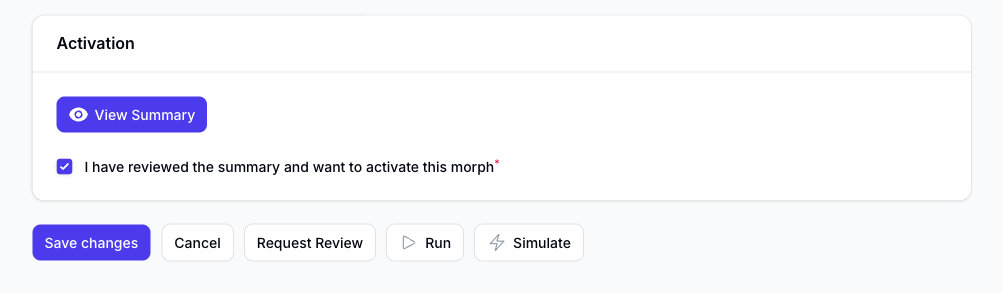
View Summary
Use View Summary to check the complete summary of the morph before you make it live.
The summary explains:
- how the morph will be triggered
- what data will be fetched
- which filters will apply
- what actions will happen
Simulate First
Use Simulate before activation whenever you want to test a morph against live data without applying live changes.
This is especially useful for:
- checking that the correct records match the filters
- reviewing action results before they go live
- estimating action usage for the run
Simulated runs do not count toward billed action or run usage.
Activation Confirmation
When you switch the morph to active, Morph asks you to confirm that you have reviewed the summary.
This is a safety step before the morph starts running live.
Request Review
If you want a second check before activation, use Request Review.
This sends a review request to the Slynk team so the morph can be checked through with you.
Info Tab
The editor also includes an Info tab where you can review:
- when the morph was created
- when it was last updated
- the current settings version
That information is useful when you are checking changes over time or reviewing an older saved version of the morph.