Connections
Connections is where you review your Epos Now install status for Morph.
Open Connections from the Morph left-hand navigation to see which Epos Now locations have Morph installed and to open the app store when you need to connect more locations.
Connections overview
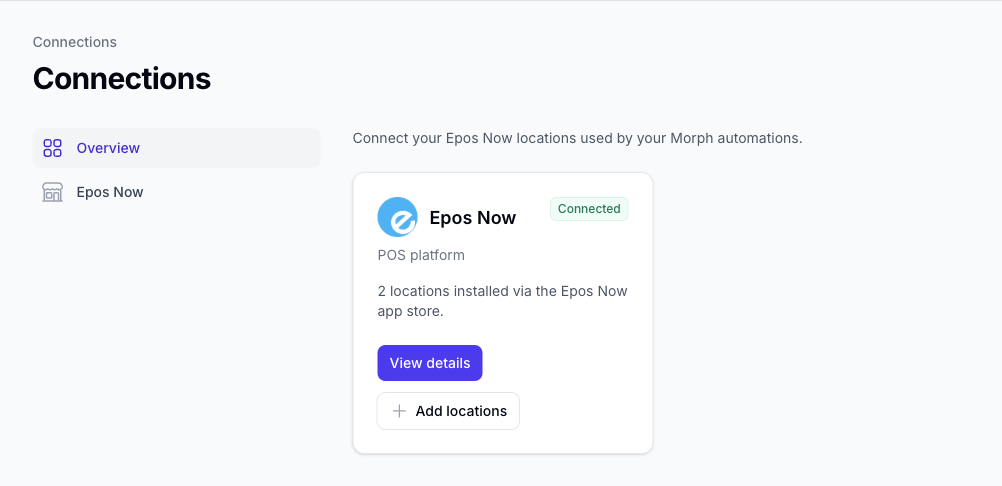
The overview page shows your Epos Now connection status, including how many locations are installed and a link to the detail page.
Epos Now
Epos Now is connected when you install Morph from the Epos Now app store. The Connections overview shows how many locations are installed and links to the Epos Now detail page.
On the detail page, Morph compares every location returned by Epos Now with the locations installed in your Morph account. A green tick in the Installed column means Morph is active on that location.
Use Install on app store for your first install, or Add more locations when you need Morph on additional Epos Now locations.
See Epos Now Connection for the full walkthrough.