Templates and Solutions
Every morph starts from a template.
When you click Create Morph, Morph shows ready-to-use morphs and build-your-own starting points that match your account.
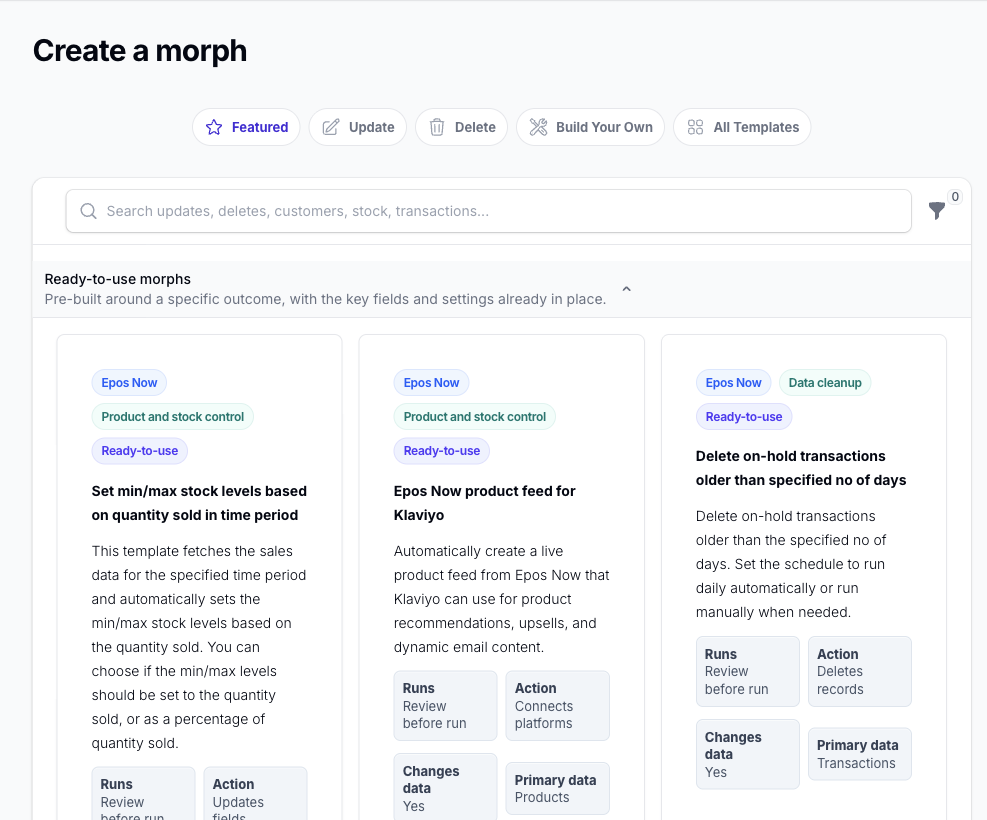
Ready-to-use Morphs
A ready-to-use morph is pre-configured for a particular outcome.
Use a ready-to-use morph when:
- you want a faster starting point
- your use case is close to one of the suggested outcomes
- you want to review and adapt an existing pattern
Build Your Own
The Build Your Own tab contains simpler starting points for individual data types.
Use Build Your Own when:
- you know exactly what you want to build
- you want more control over the filters and actions from the start
- you want to create a morph for a specific internal process
Solutions
The separate Solutions page contains multi-flow solutions. These combine several morphs to handle a broader workflow.
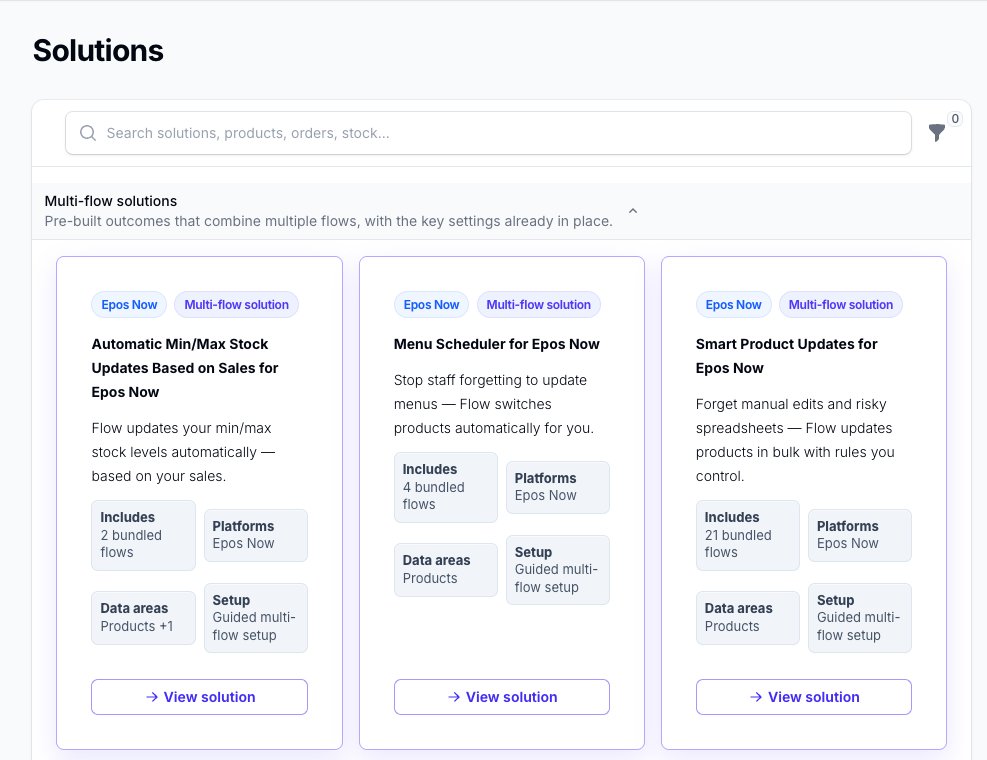
Use a solution when the outcome requires several coordinated morphs rather than one standalone morph.
Choosing the Right Starting Point
Use the search and filters in the template picker to narrow down the available options.
If you already know the data type you want to work with, Build Your Own is often the clearest place to start.
If you are aiming for a common outcome, check the ready-to-use morphs first. For a broader workflow involving several morphs, check the Solutions page.
What Happens Next
Once you select a template, Morph creates the morph and opens the editor so you can review it before you activate it. Solutions guide you through installing the morphs included in that solution.
Continue with Edit Morph for the next step.