Logs
The Logs page lets you inspect what happened for individual records inside a morph run.
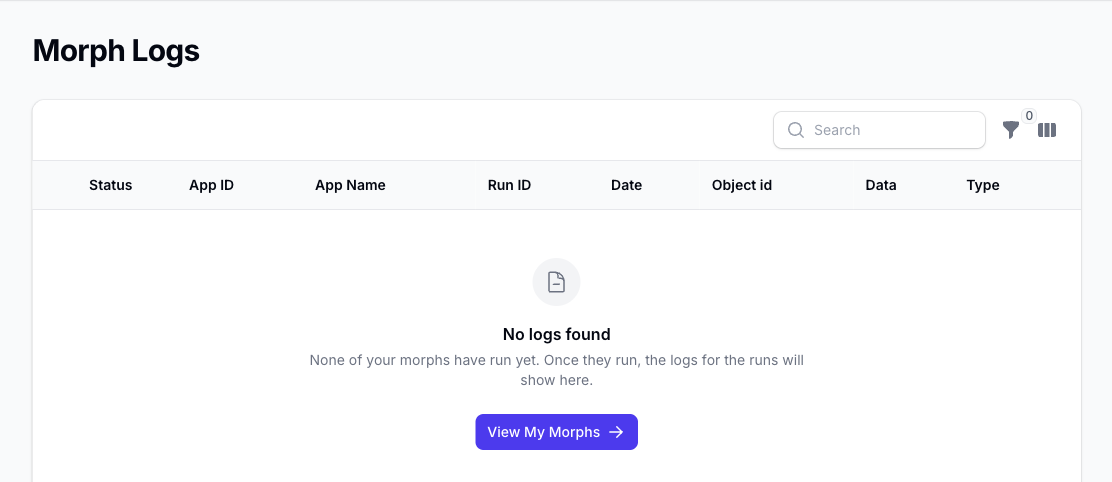
What the Logs Show
Each log entry helps you understand:
- which morph created the log
- which run it belongs to
- when the record was processed
- which object ID was involved
- the record status
- the data type involved
The Data column shows the filter and action detail for that record. An additional notes column is available from the column selector.
Review Filter and Action Detail
For each record, the logs can show:
- the filters that were evaluated
- the actions that were prepared or applied
- the value before the action
- the value after the action
This makes the logs the best place to inspect the exact behaviour of a run when you are checking results or troubleshooting an unexpected outcome.
For broader run-level issues such as API retry warnings or task-limit stops, check the matching run first and then use the logs to inspect the record-level detail.
Filter the Logs
You can filter the log list by:
- morph
- run
- date range
- object ID
- status
If you open the logs from a specific run, Morph automatically narrows the list to that run.