Logs
The Logs page lets you inspect what happened for individual records inside a flow run.
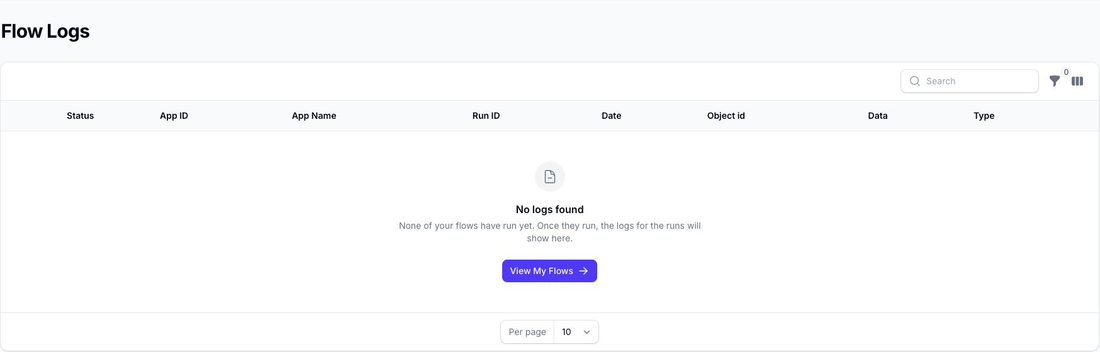
If no records have produced logs yet, Flow shows an empty state with a link back to My Flows.
What the Logs Show
Each log entry helps you understand:
- which flow created the log
- which run it belongs to
- when the record was processed
- which object ID was involved
- the record status
- notes returned by the process
The log data also shows the filter and action detail for that record.
Review Filter and Action Detail
For each record, the logs can show:
- the filters that were evaluated
- the actions that were prepared or applied
- the value before the action
- the value after the action
This makes the logs the best place to inspect the exact behaviour of a run when you are checking results or troubleshooting an unexpected outcome.
For broader run-level issues such as API retry warnings, row-limit stops, or export-file notes, check the matching run first and then use the logs to inspect the record-level detail.
Filter the Logs
You can filter the log list by:
- flow
- run
- date range
- object ID
- status
If you open the logs from a specific run, Flow automatically narrows the list to that run.