Choose master product platform
Only one system can be the product master at a time. That system becomes the source of truth for product data.
You can have different master platforms for stock and products if that is what fits your workflow best.
This guide will help you decide which setup fits your business.
When to Choose WooCommerce as the Product Master
If you use variable products on WooCommerce, then we recommend having WooCommerce as the master platform for products.
The Epos Now product data does not contain sufficient detail to sync/manage attributes and group products into variable products on WooCommerce.
For this reason, if you use variable products, then having WooCommerce as the master platform is recommended.
Products are created, updated, and deleted on WooCommerce, then synced to Epos Now.
Best if your product workflow is managed mainly in WooCommerce or if you use variable products on WooCommerce.
For products that you do not want to sell online, you can set these to
privatestatus on WooCommerce so that they can sync to Epos Now, but will not be visible to your customers on the front end of WooCommerce.
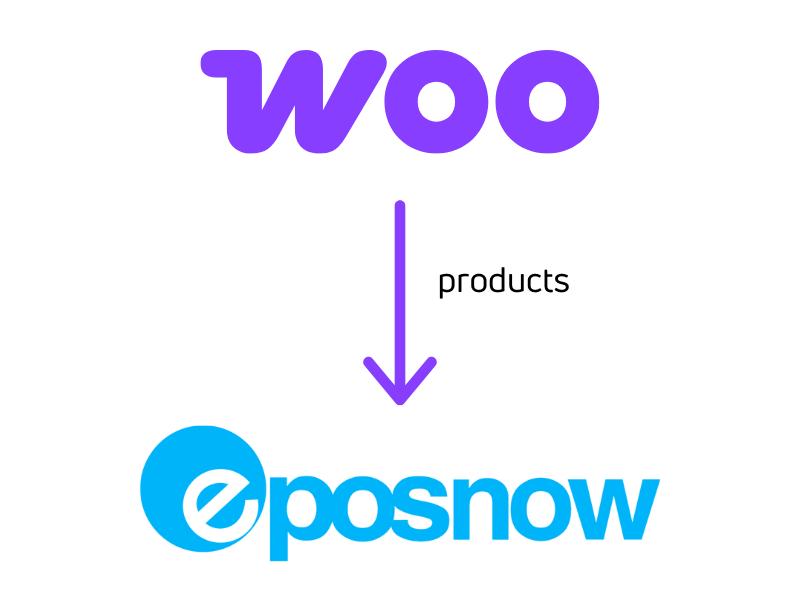
When to Choose Epos Now as the Product Master
Products are created, updated, and deleted on Epos Now, then synced to WooCommerce.
Useful when Epos Now is your main product management system.
When a new product comes in from Epos Now, it is created on WooCommerce as a simple product.
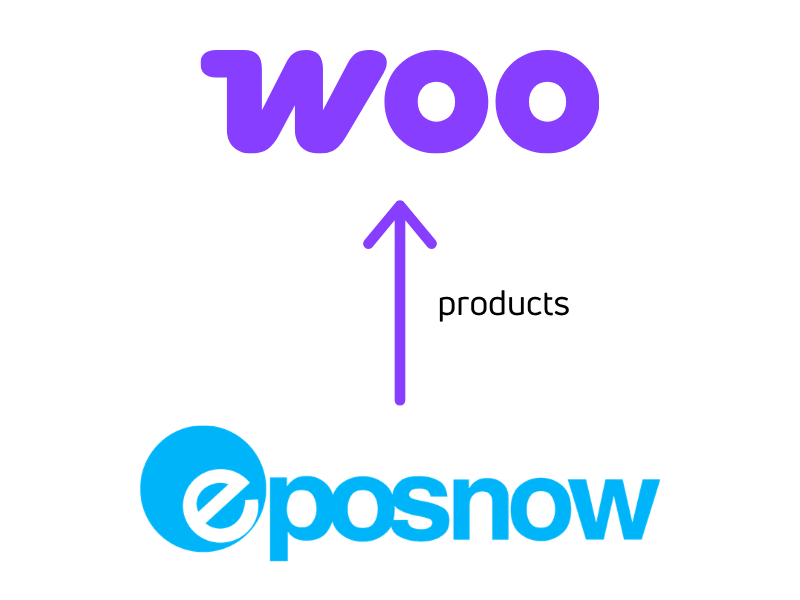
If you use variable products on WooCommerce but still want to have Epos Now as the master platform, then the recommended set up is:
- turn OFF sync on
product create - keep sync ON for
product update - keep sync ON for
product delete
This ensures that any linked variations can still be updated on WooCommerce when the linked product is updated or deleted on Epos Now.
When adding new products, these can then be added to WooCommerce manually and linked in our product linker, and future updates on Epos Now will be reflected on WooCommerce.
Visual Decision Guide
Quick Comparison
| Topic | WooCommerce as product master | Epos Now as product master |
|---|---|---|
| Where you create and update products | WooCommerce | Epos Now |
| Sync direction | WooCommerce to Epos Now | Epos Now to WooCommerce |
| Variable products | Recommended | Not suitable for auto-creating variable products |
| Products not sold online | Can still sync by setting product to private on WooCommerce | Leave sell on web unticked |
| Best fit | Stores managing catalogue structure in WooCommerce | Stores managing mostly simple products in Epos Now |
If You Are Unsure
If you use variable products on WooCommerce, start with WooCommerce as the product master.
If you do not use variable products, choose the platform where your team already manages product data day to day.