Sequential order numbers
On our templates, the document number (invoice number, delivery note number etc) all use the EposNow transaction ID as this is unique in EposNow and does not change.
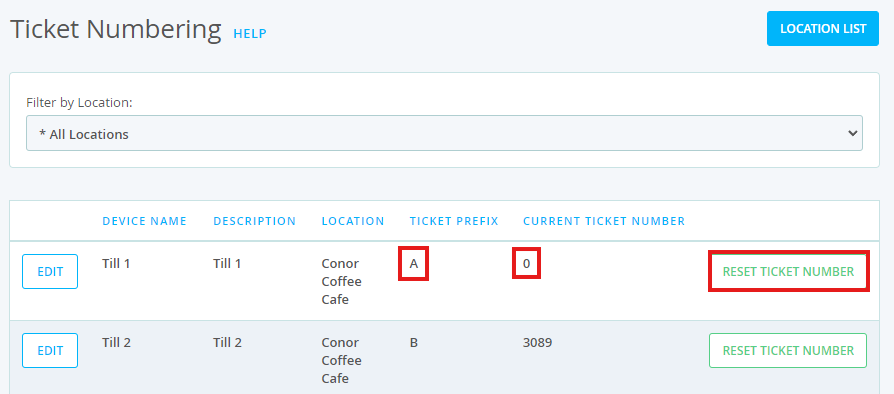
However, this is not always sequential so if you wanted sequential number, you can use the EposNow Ticket Numbering app which is available for free on their App Store. On your order template, you can then use the Order Ticket Number EposNow field to use this ticket number instead.
You can learn more about using the ticket numbering app on the Epos Now support center at this link.
In Template studio, open Layout, add or select an Epos field block, and choose Order Ticket Number from its field selector. Set Position in document to the required row and column. Use Text before for a prefix if needed, preview the result, then select Save & build. See Epos Now Fields.
Please note that this app allows you to reset the ticket number, so if you do reset it, it is possible that the same number will be used again. You can always use a different prefix for the ticket number if you do reset the ticket number, and that will then make the ticket number unique.