How to cancel your subscription on the EposNow App Store
Choose the guide for your product
This article covers Epos Now WooCommerce Integration, Order Templates, and existing Flow/Morph subscriptions still billed through Epos Now. New or migrated Flow and Morph subscriptions are billed through Stripe: see Manage your subscription and the Flow EN connection guide or Morph EN connection guide for locations and uninstall steps.
If your subscription to our app(s) is through the EposNow App Store, you can cancel your subscription using the steps below:
-
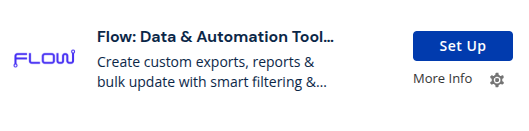
Go to the My Apps section on the EposNow App Store.
-
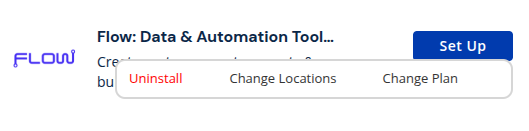
Click on the 'settings' icon on the WooCommerce app and select uninstall
-
This cancels the Epos Now subscription and automatically uninstalls the app from all locations