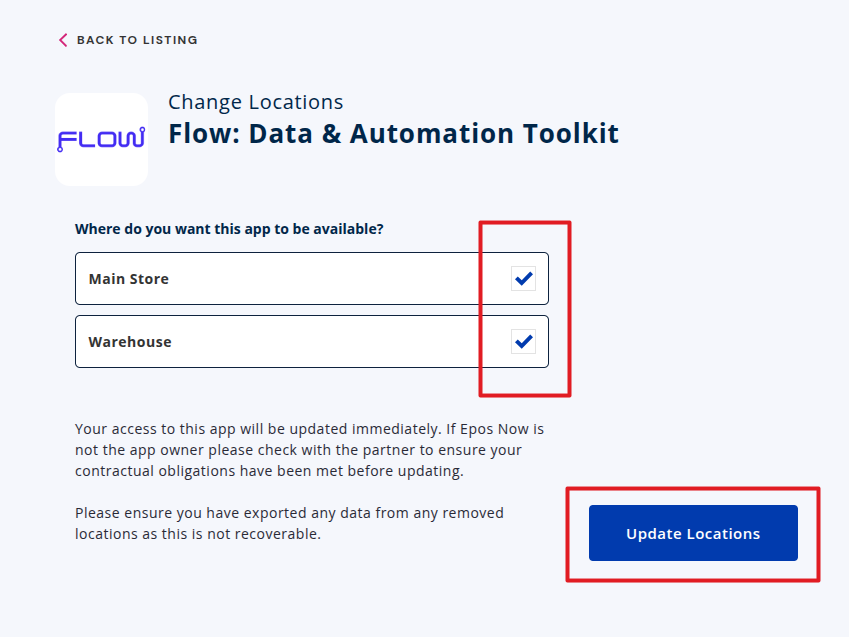
How to add or remove locations from an app
If you need to change which locations an app is installed on, you can do this from My Apps in the Epos Now App Store.
- Open the Epos Now App Store and go to My Apps.
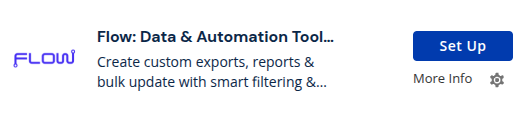
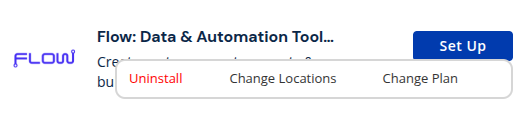
- Find the app, click the settings icon, then select change locations.
- Select the locations where the app should be installed, then click Update Locations.